專業漫畫翻譯工作區
漫畫翻譯器
線上翻譯漫畫頁面,支援清理氣泡、可編輯文字層、手動清字遮罩、專案保存,以及圖片、PDF、CBZ、EPUB 工作流。
如果你只需要快速翻譯結果,不需要可編輯文字層,請使用 首頁快速翻譯.
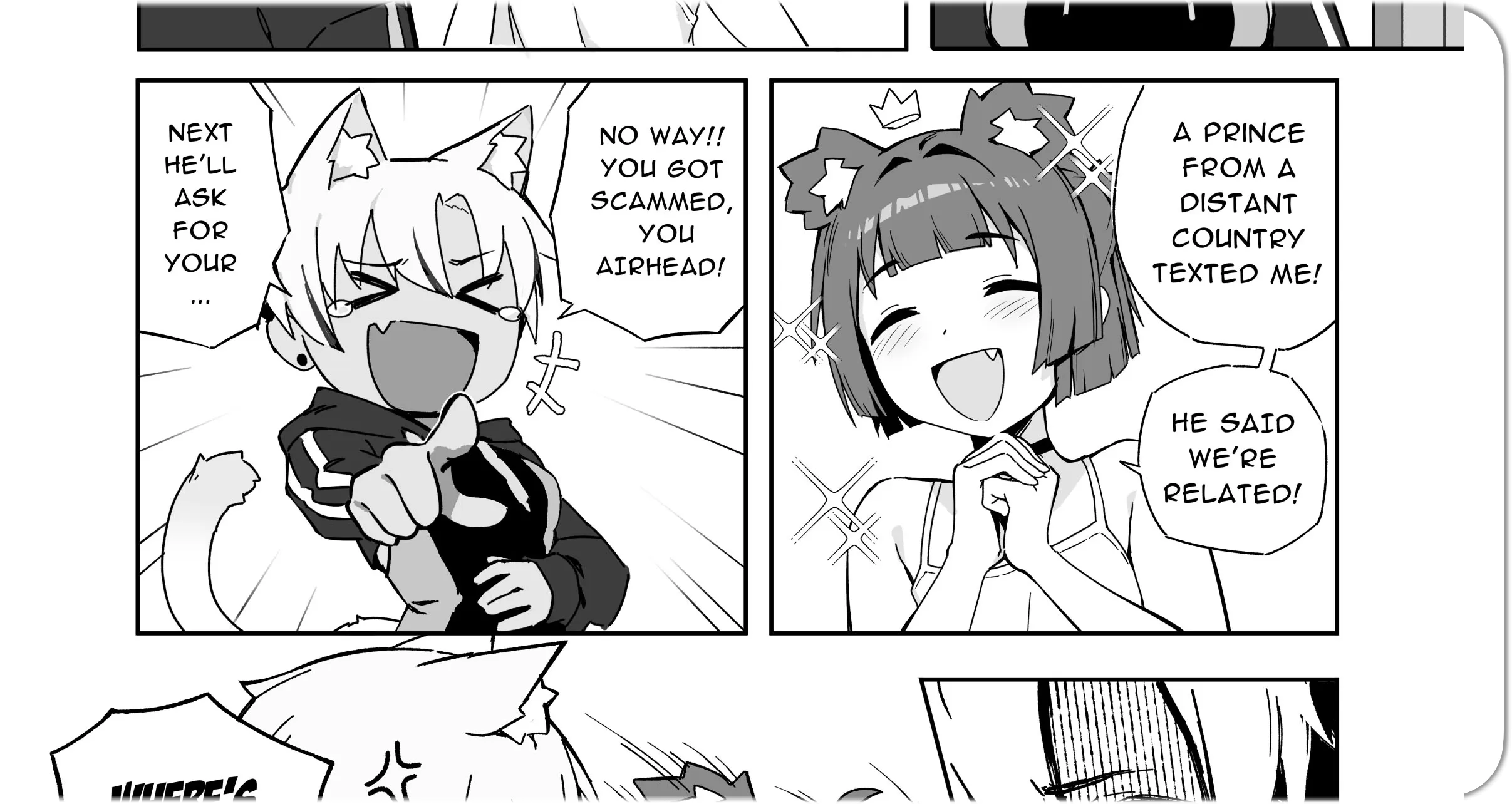
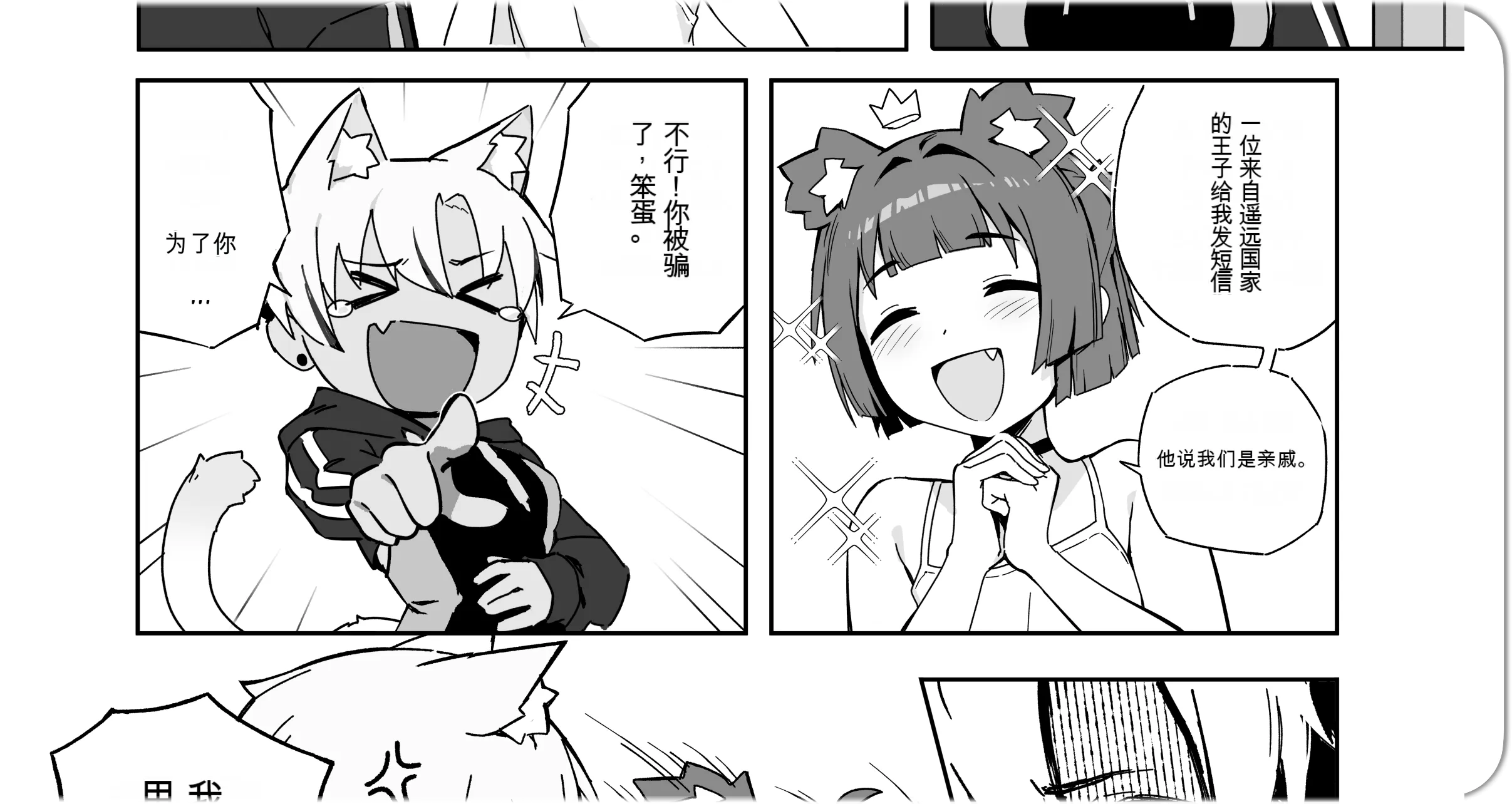
清理
清理已授權頁面的源文字,便於翻譯審閱。
編輯
移動並修改翻譯文字層。
匯出
為你自己的合法使用或授權工作流程匯出翻譯頁面。
Studio 流程
可編輯結果的線上漫畫翻譯器
Studio 會把清理後的底圖和翻譯文字分開保留,方便翻譯後檢查和修改。
Import a page
Upload a manga image, PDF, CBZ, or EPUB project and keep the page ready for review.
Run translation
Process the page to detect text, translate it, clean the source text, and prepare editable layers.
Edit text layers
Adjust wording, layout, font size, direction, masks, and placement inside the Studio editor.
Clean speech bubbles
Use manual cleanup tools when a speech bubble or text area needs extra correction.
Save or export
Save the project for later editing or export finished pages for your manga workflow.
Cleaned base image
Source text is removed from speech bubbles and page regions before new editable text is placed above the artwork.
Editable text layers
Keep translations selectable and adjustable instead of flattening every result into one final image.
Project workflow
Import pages, review layers, save drafts, process current pages, process batches, and return later.
頁面編輯
用可編輯文字層翻譯漫畫
處理完成後,譯文仍然可以選取和修改,適合需要專業校對和排版的頁面。
- Review every detected source line and translated line.
- Move or resize text boxes without reprocessing the page.
- Use cleanup masks when a bubble or text area needs correction.
- Save project drafts before exporting final pages.
選擇合適流程
線上漫畫翻譯器 vs 快速翻譯工具
快速預覽用首頁工具;需要清理底圖、文字編輯、布局控制和專案保存時使用 Studio。
| Workflow | Homepage quick translator | Manga Translator Studio |
|---|---|---|
| Best for | Fast final translated images | Professional cleanup and editing |
| Credit cost | 1 credit per page | 2 credits per page |
| Output | Translated image result | Cleaned base image plus editable layers |
| Editing | Minimal post-processing | Text, masks, layout, save, and export controls |
積分
免費漫畫翻譯選項和積分消耗
Studio 會生成可編輯文字層和清理底圖,因此積分消耗更高。
- Quick translator
- 1
- Studio editor
- 2
- Billing
- Page
credit per page
credits per page
successful processing only
問題
漫畫翻譯器 FAQ
什麼是漫畫翻譯器?
漫畫翻譯器可以將漫畫頁面翻譯成另一種語言,同時盡量保留原始畫面。Studio 另外提供可編輯文字層。
處理後可以編輯翻譯文字嗎?
可以。你可以調整譯文、字號、位置、方向、對齊方式和可見狀態。
Studio 會清理原始氣泡文字嗎?
會。Studio 會生成清理後的底圖,再放上可編輯翻譯文字層。
漫畫翻譯編輯器消耗多少積分?
Manga Translator Studio 每個成功處理的頁面消耗 2 積分。首頁快速翻譯為每頁 1 積分。
應該使用快速翻譯還是 Studio?
只需要快速出圖時用首頁快速翻譯;需要清字、編輯、保存和匯出控制時用 Studio。
可以翻譯圖片、PDF、CBZ 或 EPUB 嗎?
可以。Studio 面向漫畫頁面工作流,支援圖片和常見文件或壓縮格式。
Ready for professional manga page editing?
Open Manga Translator Studio when you need editable translated text, cleaned speech bubbles, saved projects, and export control. Use the homepage tool when a quick final result is enough.
圖片清理技術支援由 AI Image Cleanup Tool.