Professional manga translation workspace
Manga Translator
Translate manga pages online with cleaned speech bubbles, editable text layers, manual cleanup masks, project saves, and export tools for image, PDF, CBZ, and EPUB workflows.
If you only need a fast translated result without editable layers, use the homepage quick translator.
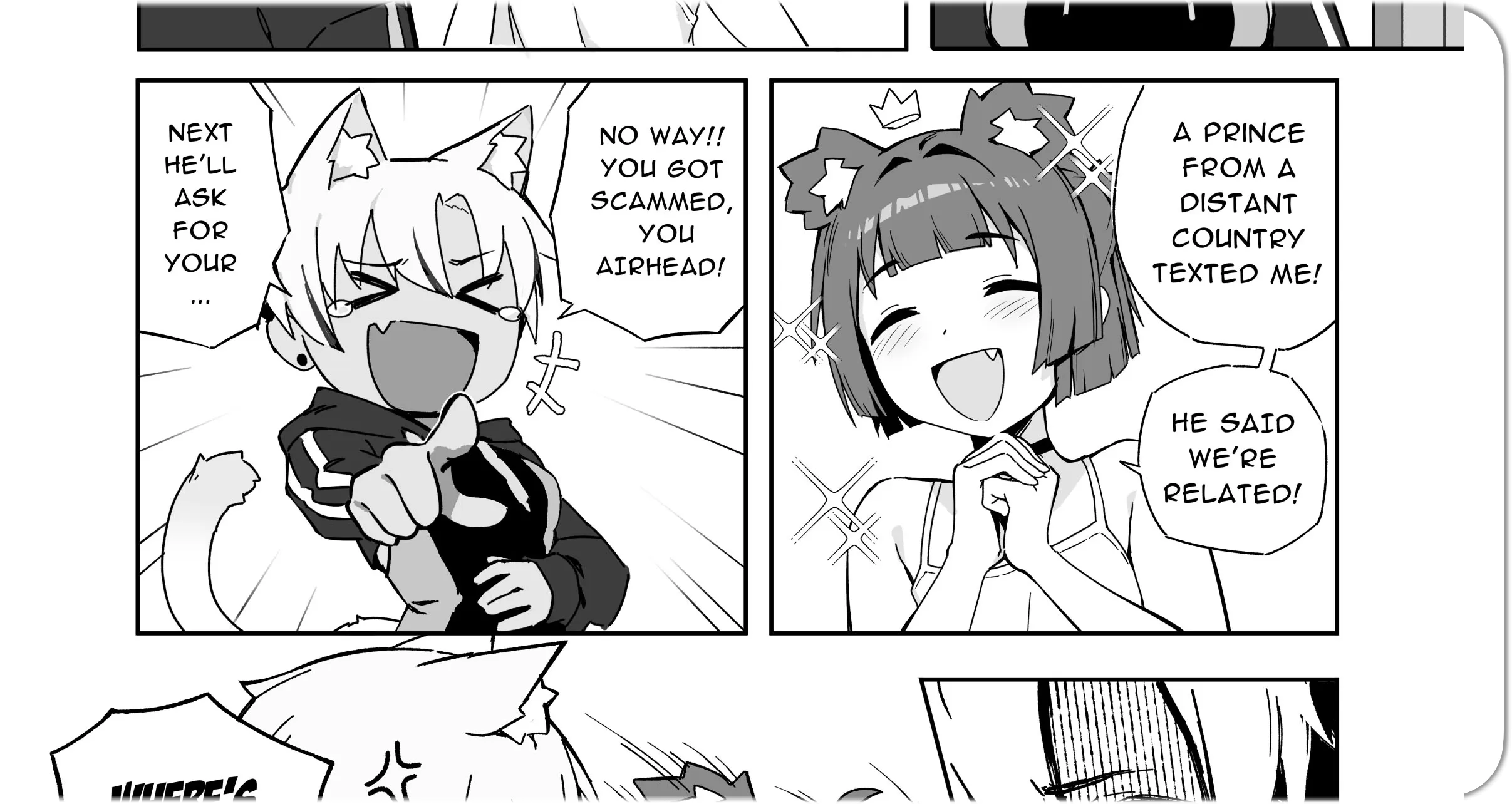
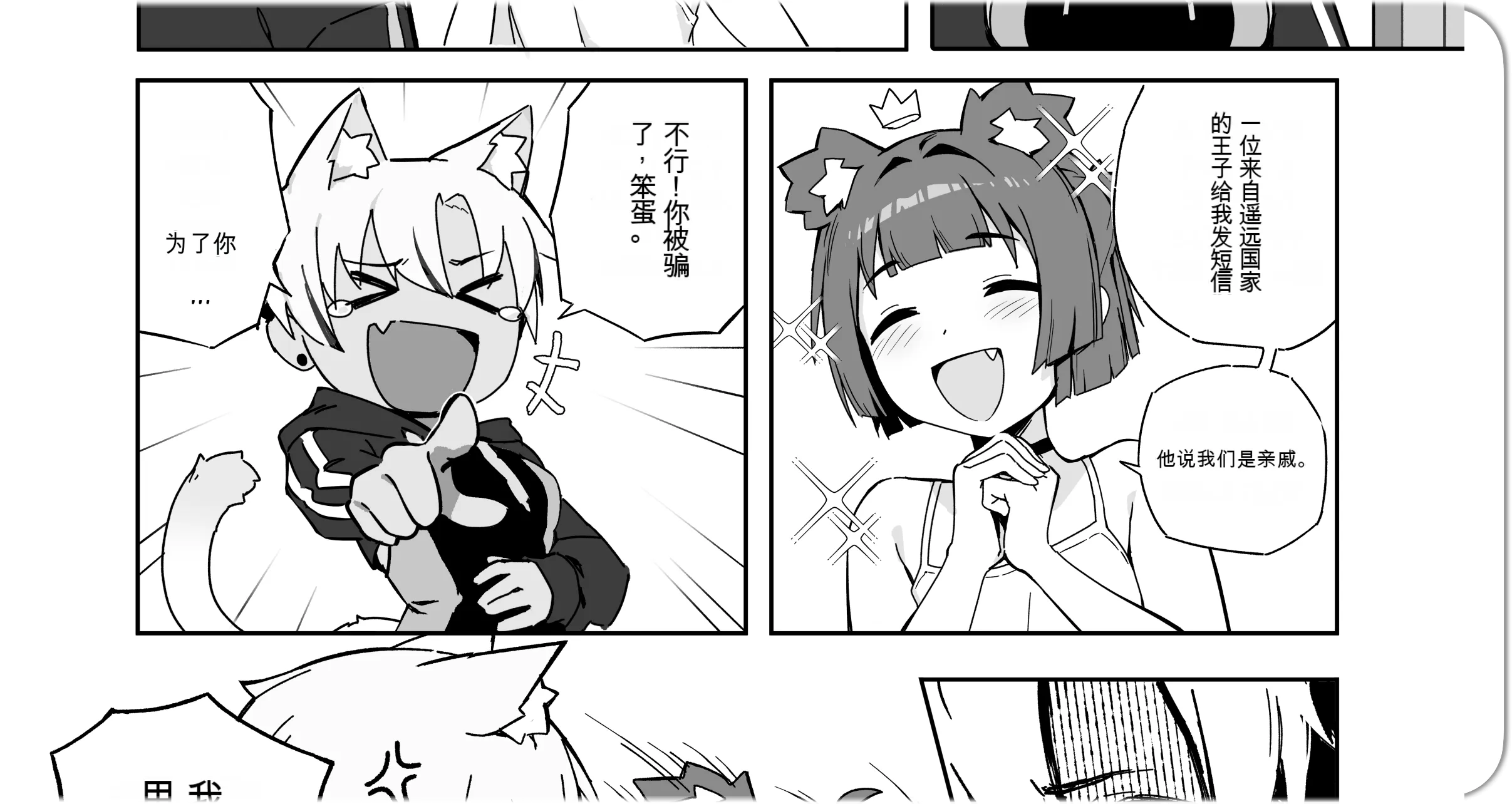
Clean
Clean source text from authorized pages for translation review.
Edit
Move and revise translated layers.
Export
Export translated pages for your own lawful use or authorized workflow.
Studio workflow
Online Manga Translator for Editable Results
Most quick tools return a flattened image. Manga Translator Studio is built for pages that need review after translation, so the cleaned artwork and translated text remain separate while you work.
Import a page
Upload a manga image, PDF, CBZ, or EPUB project and keep the page ready for review.
Run translation
Process the page to detect text, translate it, clean the source text, and prepare editable layers.
Edit text layers
Adjust wording, layout, font size, direction, masks, and placement inside the Studio editor.
Clean speech bubbles
Use manual cleanup tools when a speech bubble or text area needs extra correction.
Save or export
Save the project for later editing or export finished pages for your manga workflow.
Cleanup first
Manga Image Translator with Cleaned Speech Bubbles
The editor is designed for manga images where source text should be removed before translated text is placed back. That makes review, correction, and export cleaner than image-only workflows.
Open the editorCleaned base image
Source text is removed from speech bubbles and page regions before new editable text is placed above the artwork.
Editable text layers
Keep translations selectable and adjustable instead of flattening every result into one final image.
Project workflow
Import pages, review layers, save drafts, process current pages, process batches, and return later.
Page editing
Translate Manga to English with Editable Text Layers
For English output, the editor keeps translated text selectable after processing. You can use the same workflow for other supported languages when you need a professional pass instead of a one-click image result.
- Review every detected source line and translated line.
- Move or resize text boxes without reprocessing the page.
- Use cleanup masks when a bubble or text area needs correction.
- Save project drafts before exporting final pages.
Choose the right workflow
Manga Translator Online vs Quick Translation Tool
Use the quick translator for a fast preview or casual reading result. Use Studio when the page needs cleaned artwork, text editing, layout control, and saved projects.
| Workflow | Homepage quick translator | Manga Translator Studio |
|---|---|---|
| Best for | Fast final translated images | Professional cleanup and editing |
| Credit cost | 1 credit per page | 2 credits per page |
| Output | Translated image result | Cleaned base image plus editable layers |
| Editing | Minimal post-processing | Text, masks, layout, save, and export controls |
Credits
Free Manga Translator Options and Credit Costs
New users can try the translation workflow with the available account or guest quota. The quick homepage tool stays lower cost, while Studio uses more credits because it prepares editable layers and a cleaned page for review.
- Quick translator
- 1
- Studio editor
- 2
- Billing
- Page
credit per page
credits per page
successful processing only
Related guides
Related manga translation guides
Compare common manga translation workflows before choosing the quick translator or the professional Studio editor.
Google Lens manga translation comparison
See where camera OCR helps and where Manga Translator produces cleaner manga pages.
manga image translator
Use the quick image workflow when you only need a fast translated manga preview.
Manga scanlation workflow
Plan OCR, cleanup, translation, typesetting, review, and export for authorized projects.
Questions
Manga Translator FAQ
What is a manga translator?
A manga translator helps convert manga pages into another language while preserving the page artwork. Manga Translator Studio adds a professional editor so the translated text stays adjustable after processing.
Can I edit the translated text after processing?
Yes. The Studio editor keeps translated lines as editable text layers, so you can adjust wording, font size, placement, direction, alignment, and visibility before export.
Does Manga Translator Studio clean the original speech bubbles?
Yes. Studio creates a cleaned base image by removing detected source text from speech bubbles and text regions, then places editable translated text layers above that cleaned image.
How many credits does the manga translator editor cost?
Manga Translator Studio costs 2 credits per processed page. The homepage quick translator remains available for simpler final-image results at 1 credit per page.
Should I use the quick translator or Manga Translator Studio?
Use the homepage quick translator when you only need a fast translated image. Use Manga Translator Studio when you need professional cleanup, editable layers, project saves, and export control.
Can I translate manga images, PDFs, CBZ, or EPUB files?
Studio is designed for manga page workflows including images and common document or archive formats such as PDF, CBZ, and EPUB, depending on the import workflow available in the editor.
Ready for professional manga page editing?
Open Manga Translator Studio when you need editable translated text, cleaned speech bubbles, saved projects, and export control. Use the homepage tool when a quick final result is enough.
Image cleanup technology support is provided by AI Image Cleanup Tool.